
Xfinity TV has excellent channel variety and an intuitive interface, but fees aren’t always clear.
My Xfinity TV Review: Solid Cable TV Service, with Some Caveats





 5 min read
 Edited ByBrenna Elieson
Xfinity TV is a solid pick for families with a diverse range of interests and viewing preferences. It offers not only a traditional cable TV service, with packages ranging from 10+ to 185+ channels, but with the X1 cable box, users can also enjoy streaming services such as Netflix, Disney+, YouTube, Peacock, and many others. Subscribers can also choose from a variety of add-on packages, perfect for sports fans, families, and news lovers alike.
I tested Xfinity TV and got hands-on for this review, spending time with the X1 interface, on-demand service, channel guide, and cloud-based DVR.
The biggest drawback? Pricing isn’t always as straightforward as it may seem, with broadcast fees and regional sports fees increasing your monthly bill. But even with some hefty tacked-on fees, Xfinity TV fared well overall—It’s reliable, widely available, and offers affordable streaming options.
So while Xfinity may not be the cheapest standalone TV option, for customers who bundle it with high-speed internet, the convenience and multi-product discounts make it a strong contender
Keep reading to learn more or check out the best Xfinity TV packages.

Why you can trust us
At Reviews.org, our team takes its editorial independence seriously. We may earn money when readers click affiliate links, but we don't work for our brand partners, and they don’t approve our pieces before publication. To learn more, visit our About us page.
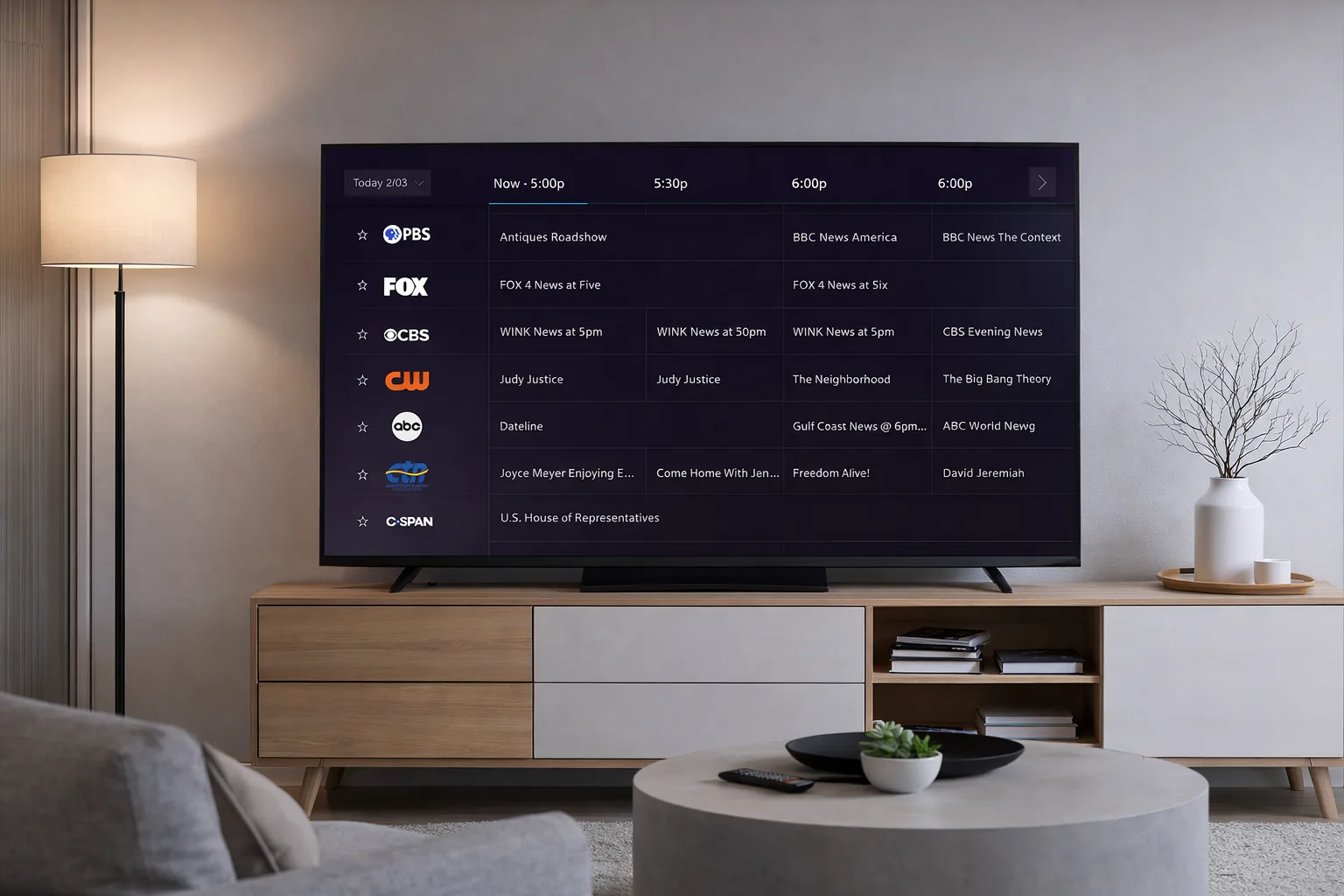
Xfinity TV subscribers can browse live TV, on-demand shows, cloud DVR recordings, and the apps. Image by Mia Carter, Reviews.org
Xfinity TV plans and prices
Rating
4/5
Xfinity’s base prices may vary by location, but here in Ogden, Utah, plans start at $55 per month for the TV Core plan and go up to $125 per month for the TV Premium plan. Users are not required to sign a long-term contract, so you can switch to another plan or even cancel without paying costly early termination fees. It’s important to note that these are 'sticker prices.' Once you add in local broadcast fees and equipment rentals, your actual monthly bill will be higher.
The TV Core package is a bare-bones option, primarily offering local channels. TV Plus (125+ channels for $95/month) and TV Premium (185+ channels for $125/month) deliver a more traditional cable TV experience with a larger array of major networks, live sports, and entertainment channels, plus 300 hours of DVR storage. Users can also get more specialized packages like Sports & News TV (50+ channels for $80/month) and World Soccer Ticket (55+ channels for $85/month). You can supplement any plan with apps such as Netflix, Hulu, Peacock, Paramount+, STARZ, Disney+, and so on, sometimes even at a discounted price.
The prices in the above table include a multi-product discount (bundling TV with Xfinity’s internet or mobile plans). The discounts generally start at $10 per service, making a bundle package much more cost-effective than buying services à la carte.
Xfinity TV reliability and experience
Rating
4/5
Xfinity TV offers reliable daily performance for live viewing. Unlike satellite providers, which often lose signal during storms, Xfinity’s wired connection remains stable during inclement weather.
I spent lots of time watching live sports and primetime programming during peak times of day, including NFL games and the evening news. Playback was consistently stable, with no noticeable buffering or lag. Outages were a rarity, and when they did occur, they were very brief. Picture quality held consistently in HD, and 4K content (where available) looked sharp without drops or audio sync issues.
The X1 guide is one of the service’s strongest points: It’s fast, intuitive, and easy to search, whether you’re browsing channels or jumping straight to a show. DVR recordings played back smoothly with quick skip and rewind, and I didn’t run into frustrating lag or failed recordings. Xfinity’s app and online portal also make account management straightforward—checking bills, managing equipment, and updating settings is simple across TV boxes, mobile apps, and streaming devices. Overall, the experience feels polished and reliable, with only occasional hiccups keeping it from a perfect score.
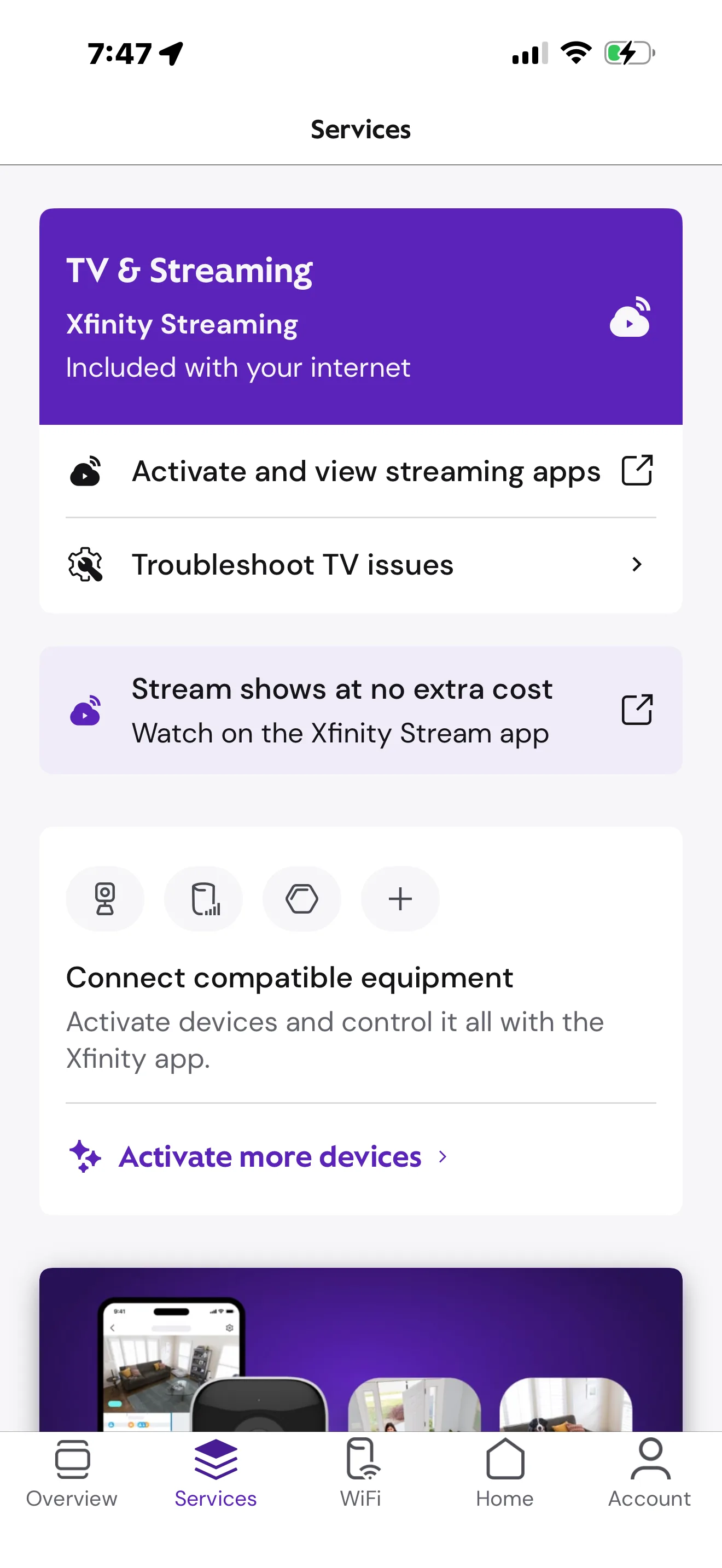
Customers can manage their Xfinity TV account, settings, and bill payments in the Xfinity mobile app. Image by Mia Carter, Reviews.org
Xfinity TV channel selection
Rating
5/5
Xfinity TV has a competitive channel lineup across its packages, which range from 10+ with mostly local channels, to 185+ channels with nearly all of the top national news, entertainment, and sports networks. Networks like CNN, MSNBC, FOX News, ESPN, ESPN2, NFL Network, NBA TV, and the MLB Network are available through higher-tier packages or the Sports & News add-on. General entertainment channels such as HGTV, Food Network, TLC, Bravo, Hallmark Channel, TBS, and TNT are also widely available.
You can also customize your line-up with premium add-ons. You can find add-ons catered to pet owners and Spanish language viewers, while movie fans can enjoy networks like HBO Max, Showtime, and STARZ included in the Premier package or as standalone upgrades. While Xfinity doesn’t offer an especially deep bench of obscure or ultra-niche channels, it does provide a solid selection of international and genre-based add-ons.
Thanks to consistent HD quality and selective 4K support, Xfinity TV offers a modern viewing experience. By pairing a stable cable connection with discounted streaming bundles or upgrades, it serves as a reliable, all-in-one solution for viewers who want live programming without the hassle of toggling between multiple apps.

Overall quality
4.7/5
Xfinity TV is ideal for those seeking a traditional cable experience with an expansive channel lineup, local programming, and integrated streaming apps. Its stable connection is especially well-suited for households that rely on live news and regional sports networks.
Xfinity offers bundling discounts for existing internet and mobile customers. However, it may not suit price-sensitive viewers or cord-cutters, as broadcast and regional sports fees can significantly increase monthly costs. If you prioritize reliability and customization over these fees, Xfinity TV remains a strong option.
To check availability, pricing, and channel options available in your ZIP code, see our Xfinity packages and pricing guide and channel lineup review.
Offers and availability vary by location and are subject to change. Data verified as of the article's publication date.
Xfinity TV hidden fees
Xfinity TV’s biggest downside is unexpected fees, which can inflate your bill by $50 or more when all is said and done. Because you can't buy hardware outright, equipment rentals for multiple TVs can quickly rival the cost of the service itself.
There’s also the broadcast TV fee, which applies even to the basic TV Core plan. In my case, this fee alone turned a $65 rate into over $100 once I added a single cable box. Sports fans face a similar hurdle with regional sports network (RSN) fees that vary by market.
Xfinity discloses these charges at checkout, but their absence from ads leads to inevitable sticker shock. For me, these additions materially changed the perceived value of the plan. Still, this structure is common among traditional cable providers. If you budget for these add-ons, Xfinity remains a solid choice for reliable live TV, just know that the sticker price doesn’t tell the full story.
Here’s a look at a few of the most common fees that you can expect to see on your Xfinity TV bill.
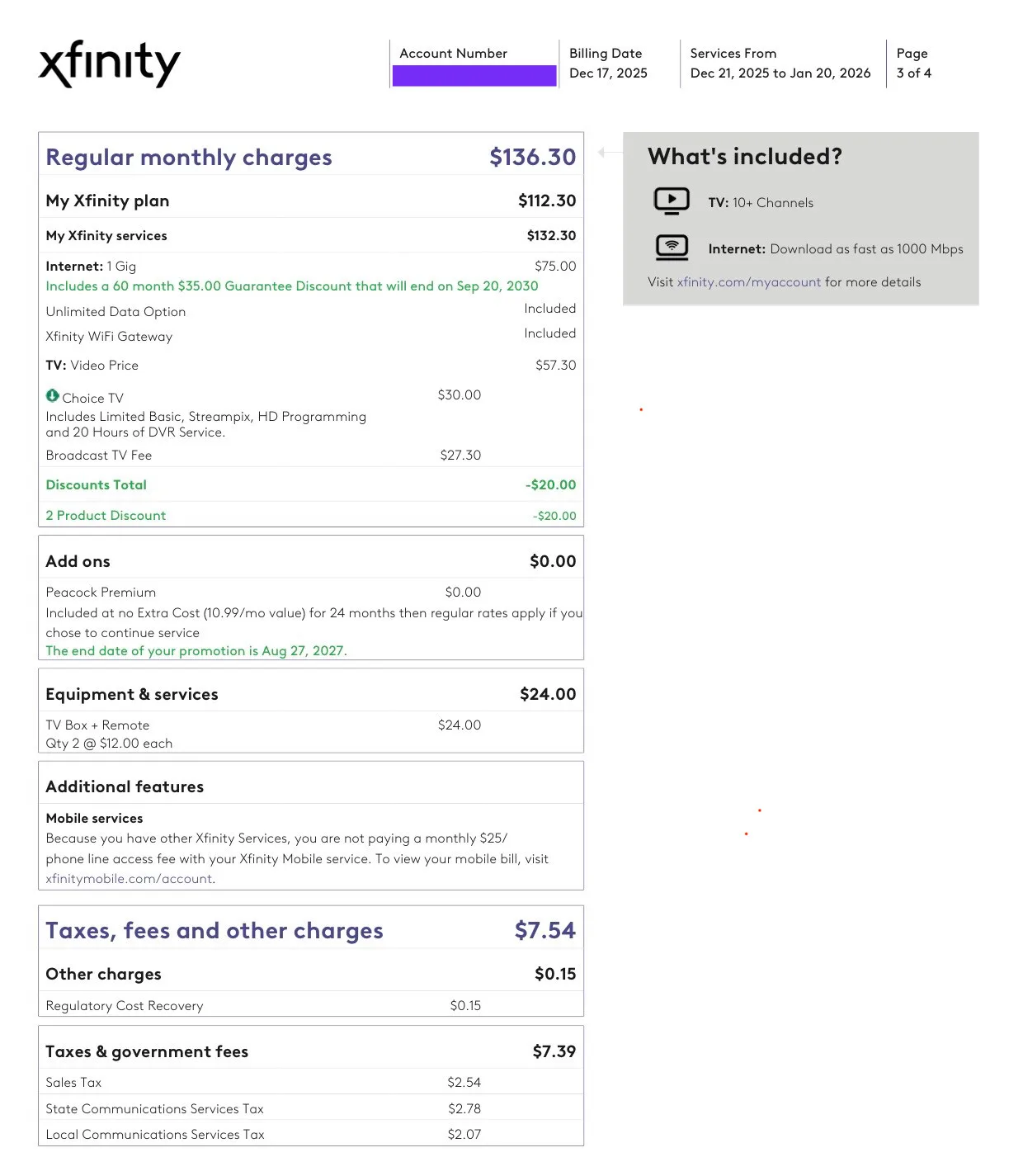
Customers can view and pay their Xfinity TV bill in the Xfinity mobile app. Image by Mia Carter, Reviews.org

To provide an accurate Xfinity TV review, I conducted hands-on testing of the service using the X1 entertainment platform. My evaluation focused on the real-world experience of a daily viewer, moving beyond basic specs to see how the service handles high-demand usage.
My research and testing process included:
- Interface navigation: I spent several days using the X1 guide and voice remote to assess speed, search accuracy, and ease of use.
- Reliability stress tests: I watched live NFL games and primetime news during peak evening hours to check for buffering, lag, or signal drops.
- DVR evaluation: I recorded multiple simultaneous programs to test cloud DVR playback stability and the "quick skip" functionality.
- Mobile app integration: I used the Xfinity mobile app to manage billing and stream content on the go to evaluate cross-device performance.
- Pricing transparency audit: I used the Ogden, UT, service address to navigate the "build a plan" checkout process, identifying exactly where broadcast and regional sports fees appear in the final total.
For more information on how we test, check out our methodology.
Xfinity TV FAQ
Honestly, it’s one of the best "classic cable" experiences I’ve tested, mostly because the X1 guide is so smooth. It’s reliable and loaded with channels, though you have to be okay with the extra fees that come with a big-name provider
Think of Xfinity TV as the service you get through your cable box and Xfinity streaming as the app you use to take that service on the go. The app is included with your plan, so you can watch your live channels or DVR recordings on your phone or tablet without being stuck in front of the living room TV.
Base prices typically range from $65 to $135 per month, depending on your channel count. Just keep in mind that those prices are rarely what you actually pay. After adding in mandatory broadcast and sports fees plus equipment rentals, your final monthly bill can increase significantly.

Related Articles

My HBO Max Review (2026): After a Year, I’m Still Impressed
What is HBO Max? Check out which TV shows and movies are available, pricing, and...

Best Internet Deals and Discounts for Veterans and Active Military
Veterans and military families may qualify for free or discounted internet; check out our guide...

Our ISP Reviewer’s Guide to Choosing the Best Internet Service
Don’t let analysis paralysis keep you from choosing a new internet provider! Look at availability,...

How To Get Internet Without a Phone Line or Cable TV
There are many options for getting internet without a cable or phone plan. We’ll talk...



